
AUN Care app icon
Free Android App

AUN Care — Everything After You Buy

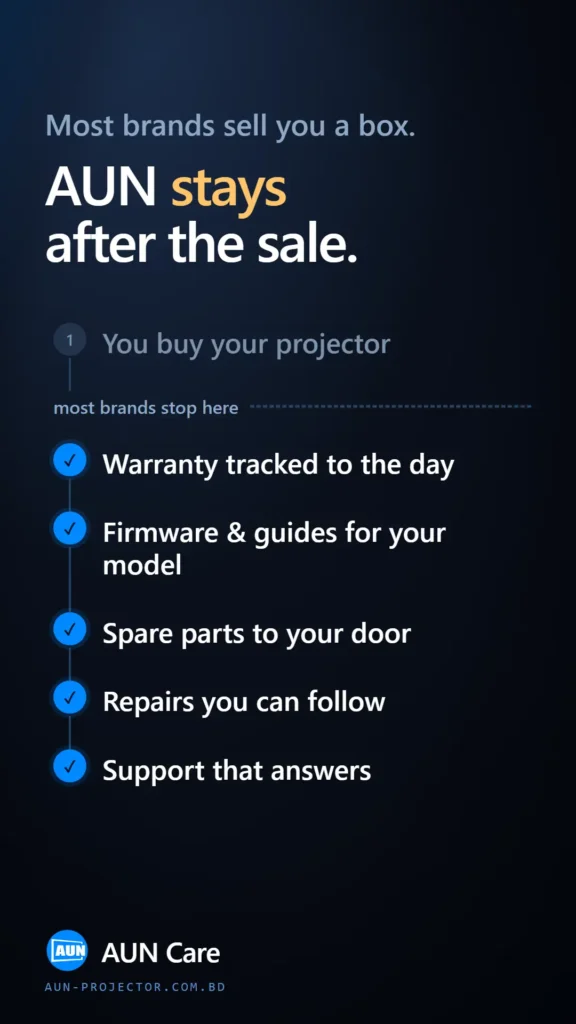
Most brands sell you a box. AUN Care is the free Android app that keeps your projector working for years — check your warranty, order genuine spare parts, book a repair and follow every step, all from your phone. Bangla first, English when you want it.

Download the App

Free · Android 7.0+ · বাংলা & English · No account needed to explore

A Look Inside the App

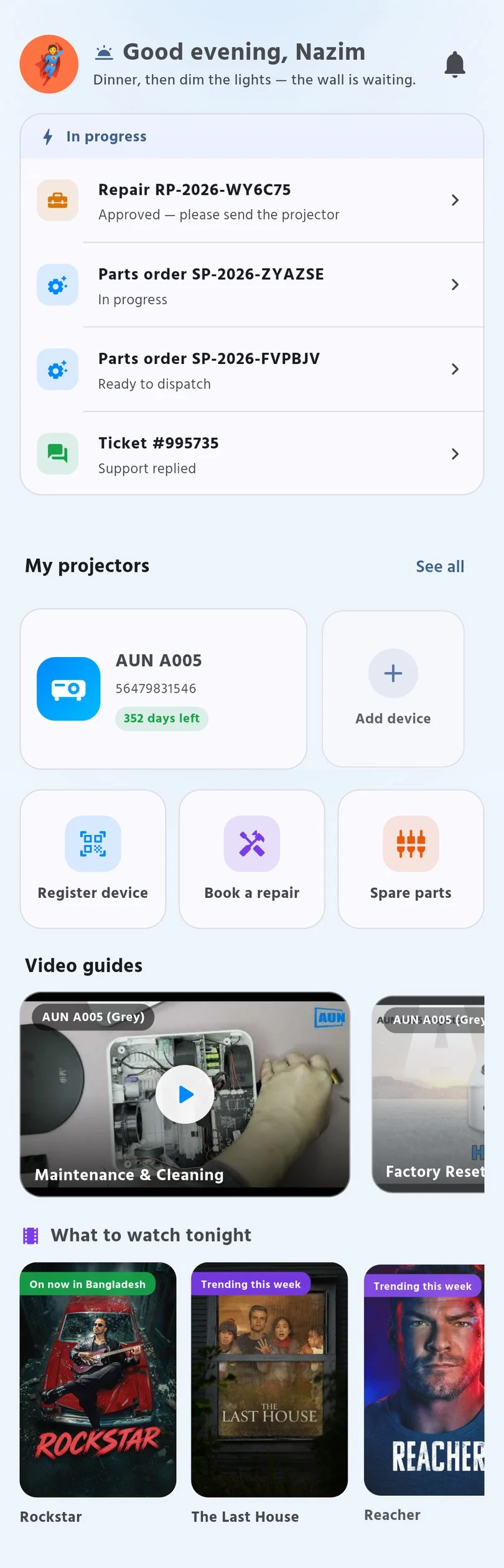
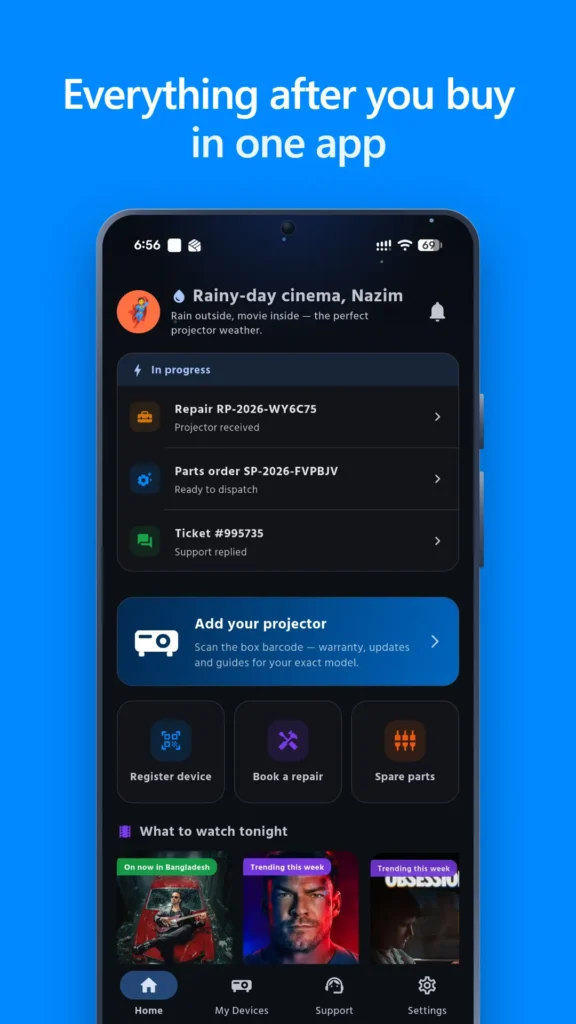
Swipe to see what you get. Every screen below is the real app — nothing staged.

What You Can Do in the App

Register your projector once by scanning the barcode on the box — then everything that happens afterwards lives in one place.

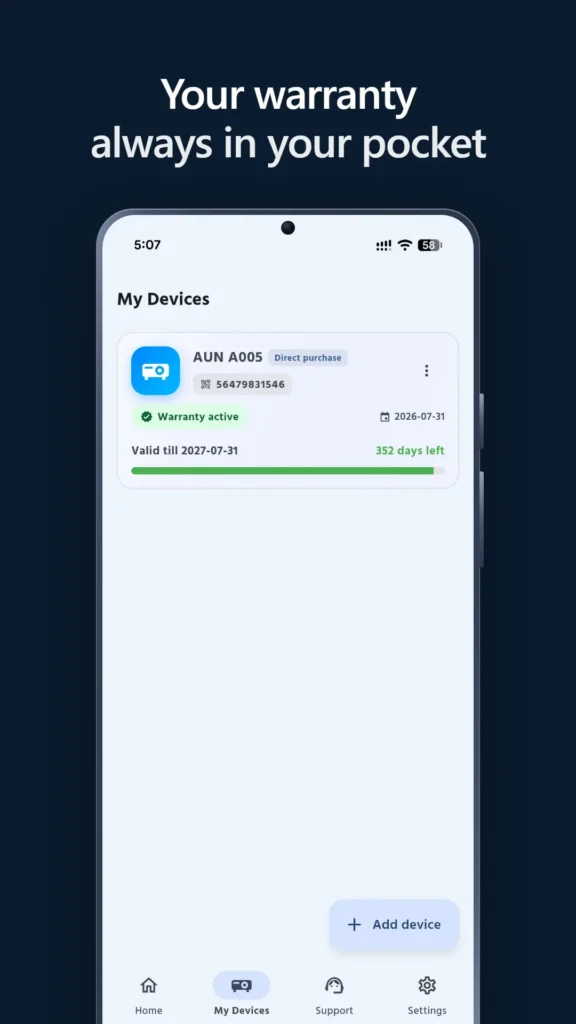
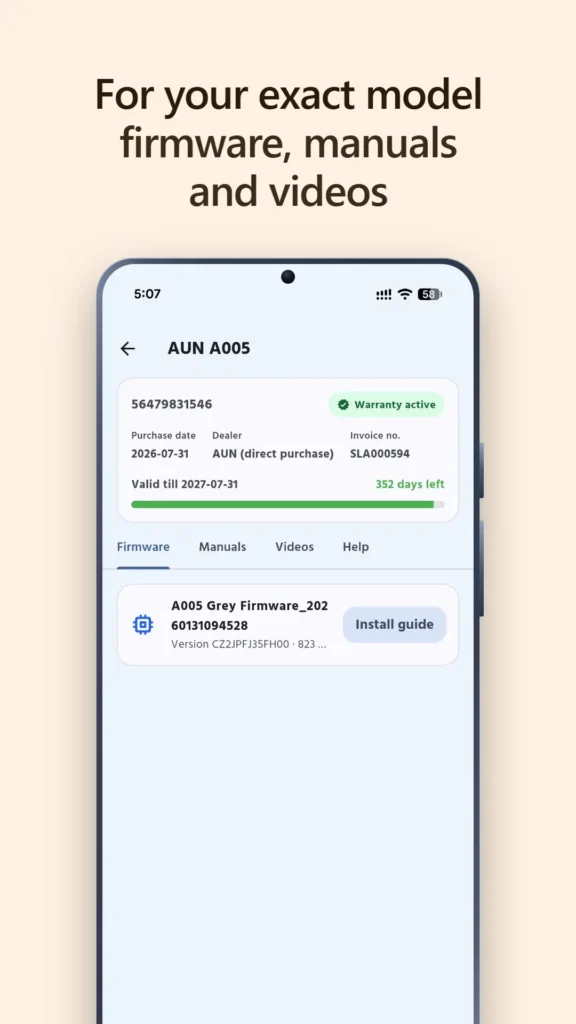
Your Warranty, Always With You

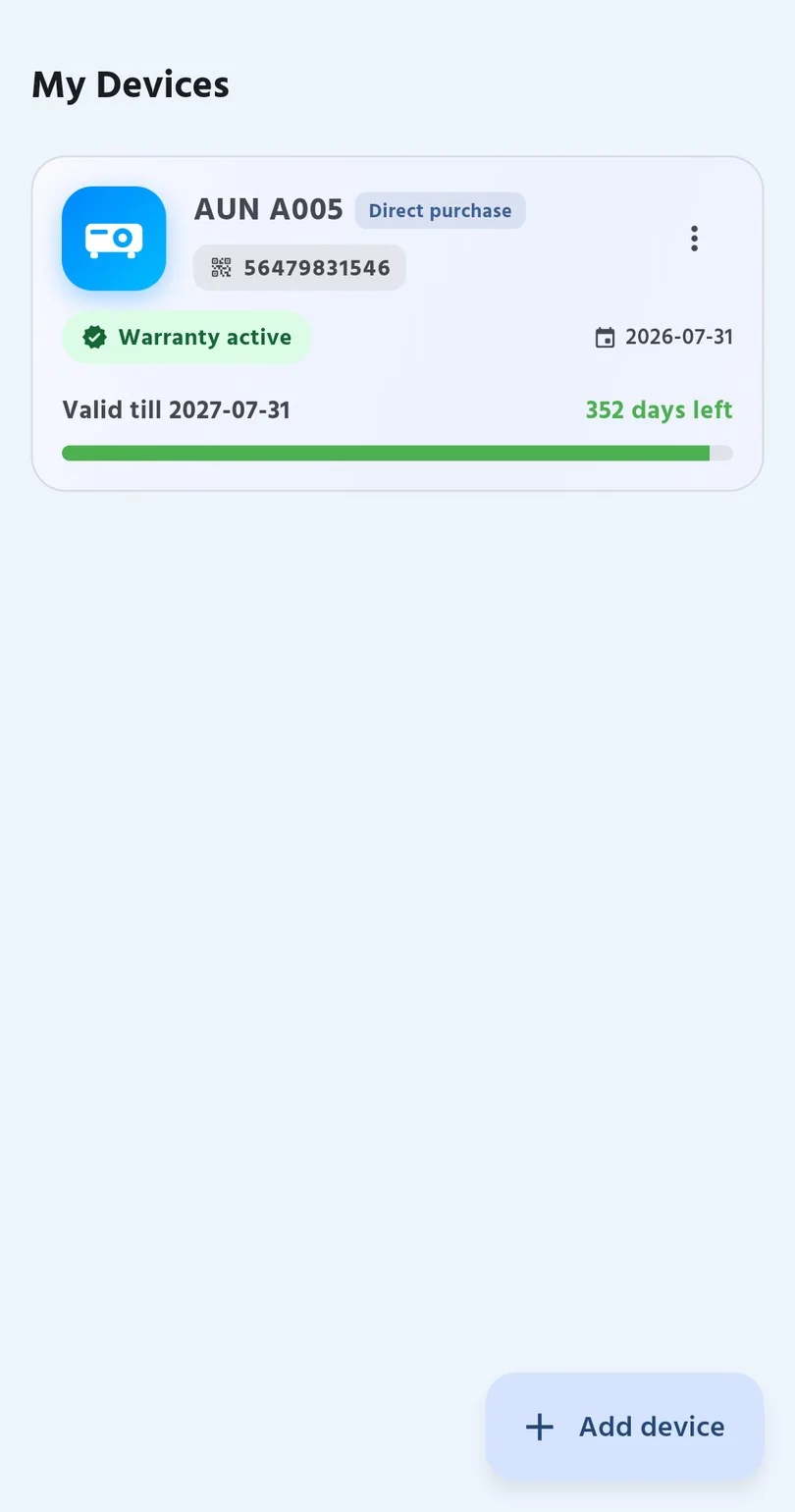
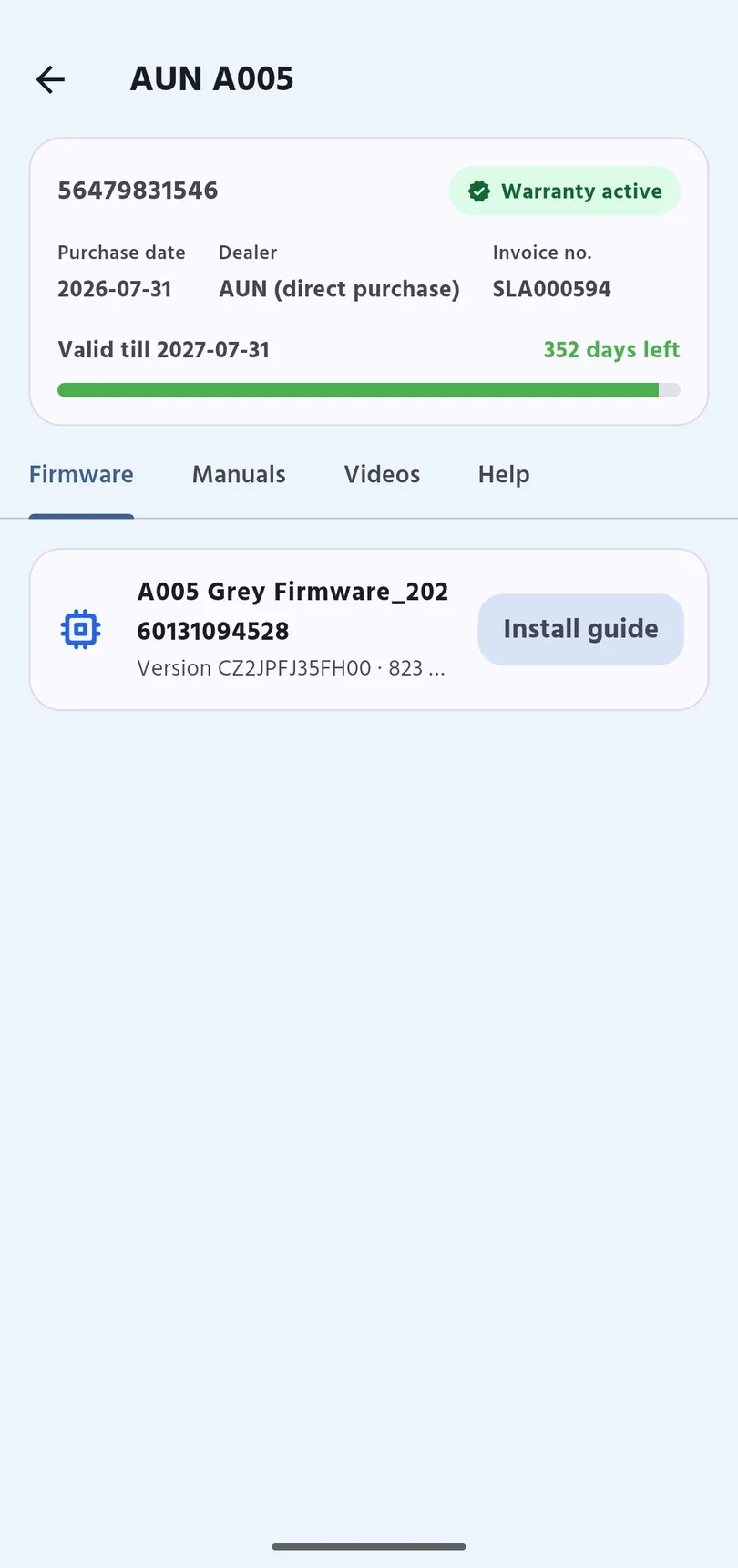
See whether you are still covered and exactly how many days are left — no hunting for the invoice.

Spare Parts to Your Door

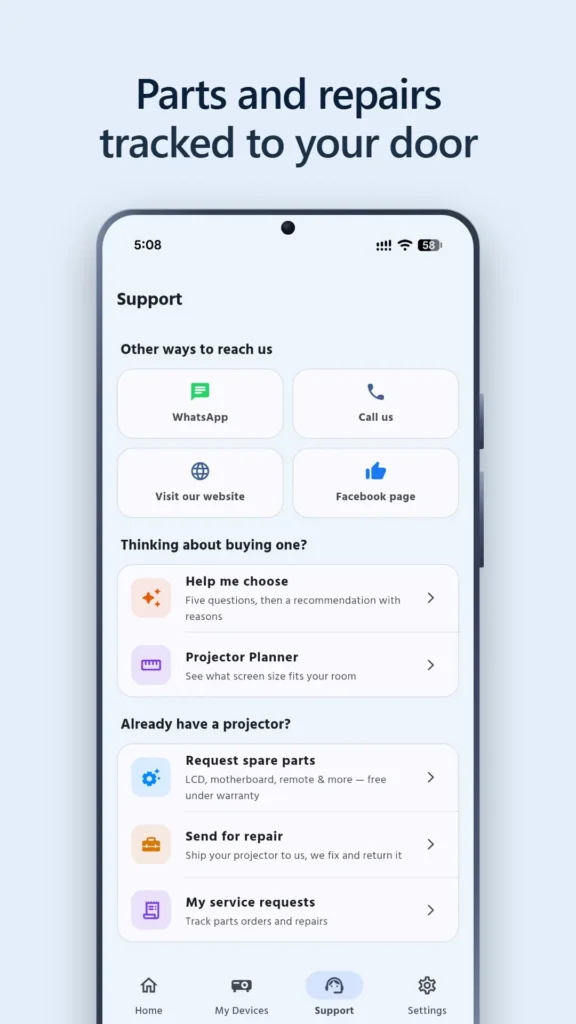
Request an LCD, motherboard, remote and more — free under warranty. Get a price, approve it, pay online or cash on delivery, then track every part.

Repairs You Can Follow

Book a repair and watch it move from received, to repaired, to on its way back — with courier tracking, without phoning anyone.

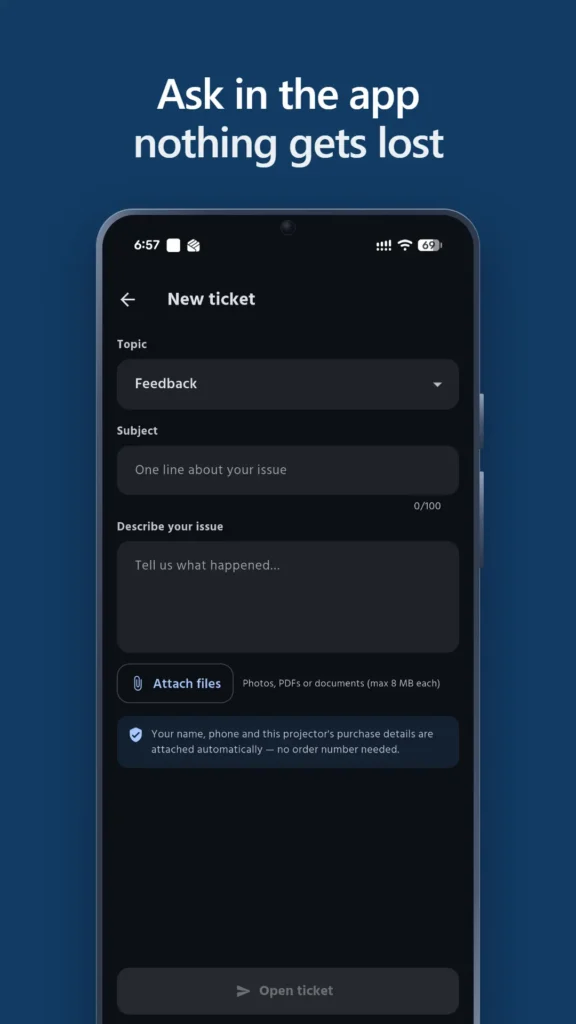
Support That Answers In-App

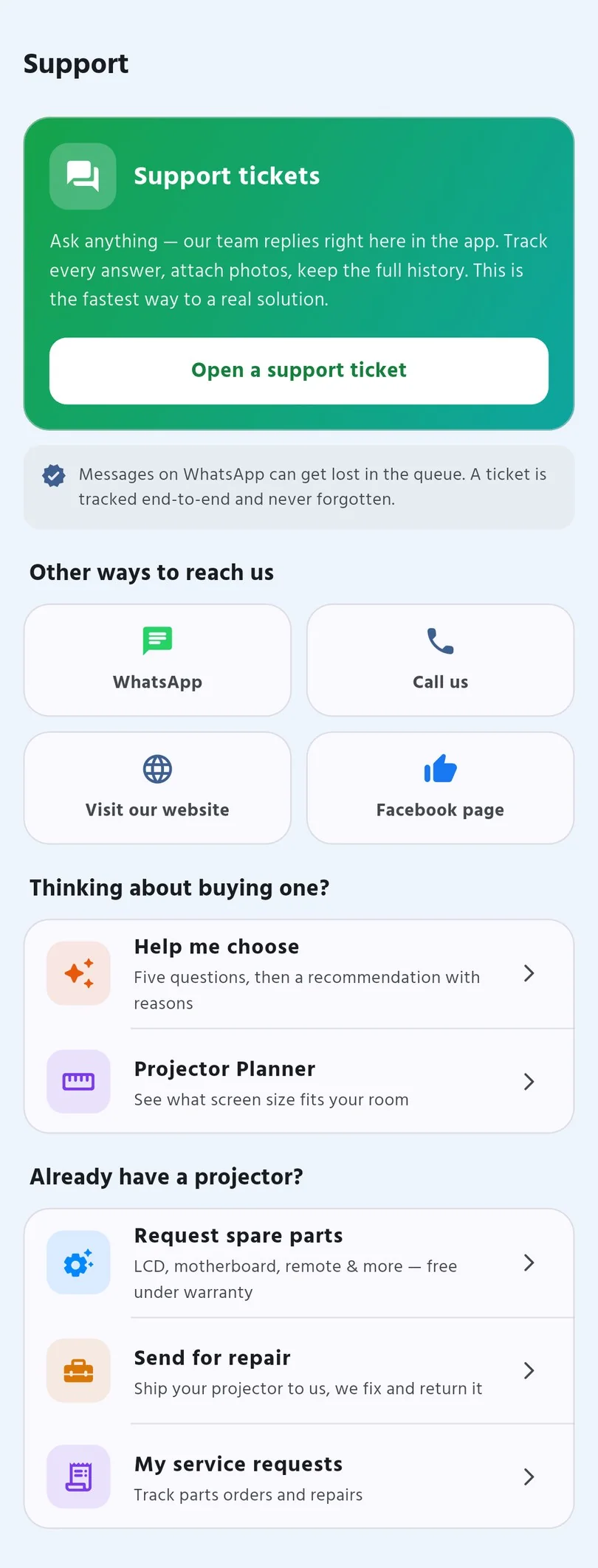
Open a ticket, attach photos, and get a reply from our own team inside the app — the whole conversation stays in one thread.

Made for Your Exact Model

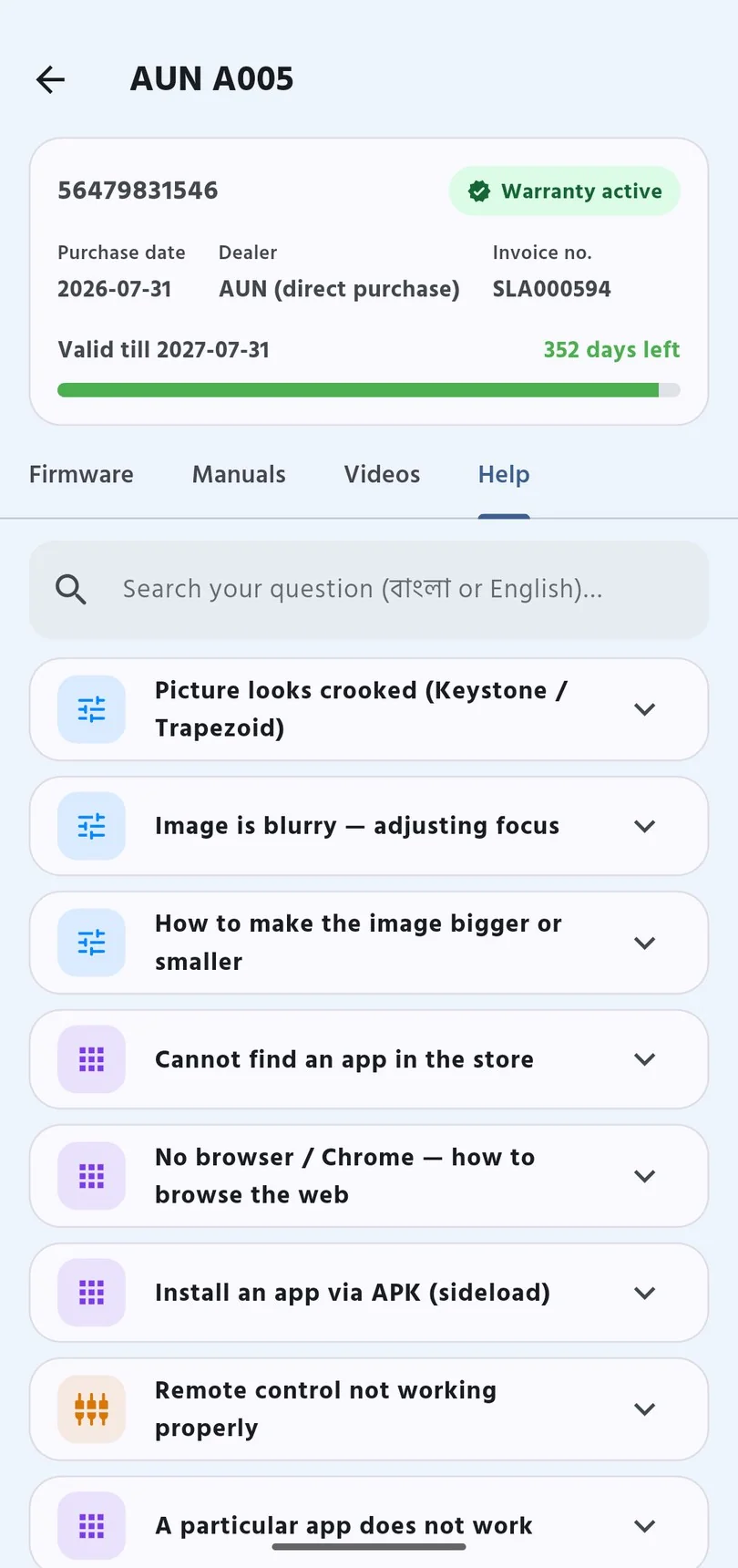
Firmware, manuals and how-to videos filtered to the projector you actually own — and a notification when new firmware is released for it.

Reminders Before the Picture Dims

Bangladesh is dusty. The app reminds you to clean the dust filter at the right time — the single biggest cause of a dull picture.

Useful Even Before You Own a Projector

You do not need to own an AUN projector to find the app useful. Three tools help you decide before you spend anything.

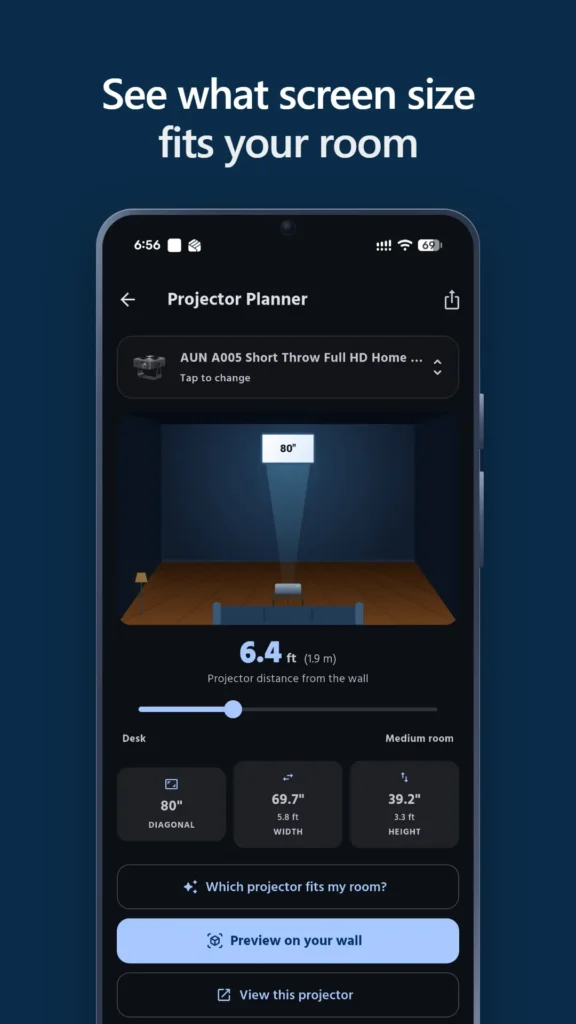
Projector Planner

See what screen size fits your room, and how far back the projector needs to sit — before you buy, not after.

Help Me Choose

Answer five questions and get a recommendation — with the reasons written out, so you can judge them yourself.

Preview on Your Wall in AR

Point your phone at the wall and see how big the picture will actually be in your own room.

How to Get Started

Three steps, about two minutes.

1. Download & Install

Tap Download the App, open the file, and allow the install when Android asks. It takes a few seconds.

2. Sign In With Your Phone

Enter your mobile number and the code we text you. No password to create, and none to forget.

3. Add Your Projector

Scan the barcode on the box. If you bought directly from us, your purchase is often found automatically by your phone number.

Why We Built It

Buying a projector in Bangladesh usually means the relationship ends at the shop door. A year later something goes wrong, and you are hunting for the invoice, guessing whether you are still covered, and calling around to find out where to send it.

AUN Care removes all of that. Every repair, every part, every ticket — visible, tracked and answered. You always know where your request stands, without having to ask anyone.

Download AUN Care Free

Frequently Asked Questions — AUN Care App

Is the AUN Care app free?
Yes, completely free. There are no ads, no subscription and no in-app purchase to unlock features. You only ever pay for spare parts or an out-of-warranty repair, and only after you approve the price.
Which phones does it work on?
Any Android phone running Android 7.0 or newer, which covers virtually every phone in use in Bangladesh today. There is no iPhone version yet.
Why is it not on the Google Play Store?
Our Google Play organisation account is still being verified — that process requires a D-U-N-S business number, which takes time. Until it is approved you can download the app safely and directly from our own website. The app updates itself automatically, so you will always be on the latest version.
Android warns me about installing from an unknown source. Is that normal?
Yes, that warning appears for any app installed outside the Play Store, and it is expected here. Tap Allow অথবা Install anyway to continue. The file is served from our own domain, aun-projector.com.bd.
Do I need an AUN projector to use the app?
No. Anyone can use the Projector Planner to work out what screen size suits their room, answer five questions in “Help me choose” for a recommendation, or preview the picture on their wall in AR. Registering a projector unlocks the warranty, parts and repair features.
Is the app in Bangla?
Yes — Bangla first, with an English toggle in settings. It was built for Bangladeshi customers, not translated as an afterthought.
How do I check my warranty in the app?
Add your projector by scanning the barcode on the box, then open My Devices. You will see whether you are covered and exactly how many days remain. If you bought directly from us, your purchase is often linked automatically using your phone number. You can also register your warranty on the website.
What data does the app collect?
Your phone number to sign in, plus whatever you choose to add — name, email, your projector serial and any service requests. The app asks for only three permissions: internet, camera (to scan the barcode and attach photos) and notifications. It never asks for your location. Full details are in our app privacy policy.
Can I delete my account and data?
Yes. Go to Settings → Delete my account inside the app, or use the account deletion page. You will see exactly what is removed before you confirm.
Do I still need to phone or WhatsApp you?
Not for the everyday things — warranty checks, parts, repairs and support tickets all work inside the app, and you can see the status any time without asking. You are always welcome to call or message us if you would rather talk to a person.